Notion vs Obsidian 2026: Which One Actually Fits How You Work?
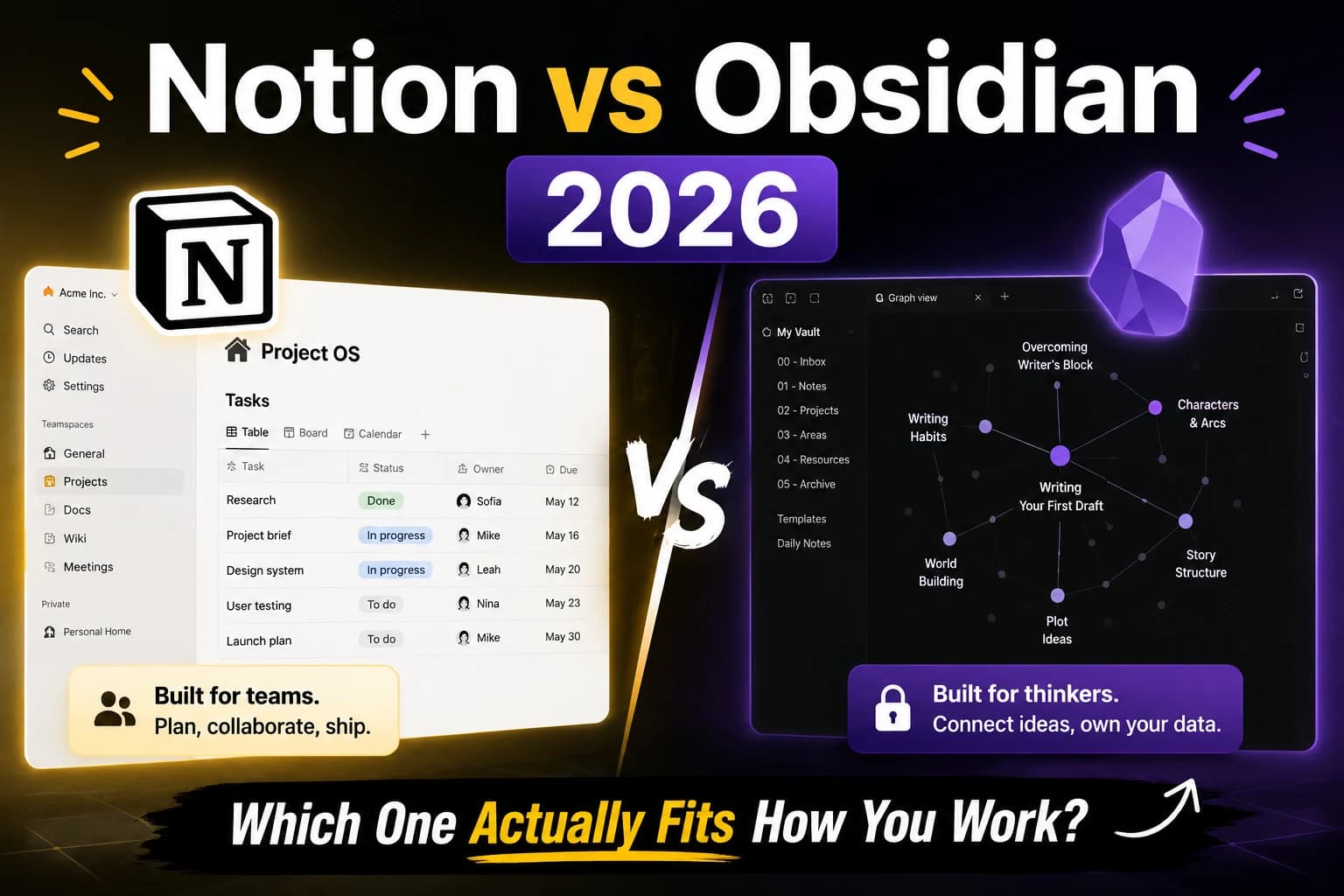
This comparison started as an argument.
Half our team swears by Notion. One person — our research editor — refused to touch it and spent three years building an Obsidian vault that he describes as "the only tool that actually matches how my brain works." We decided to settle it properly: 90 days, both tools, two different use cases, one honest verdict.
Here is what we found.
The Short Answer (For People in a Hurry)
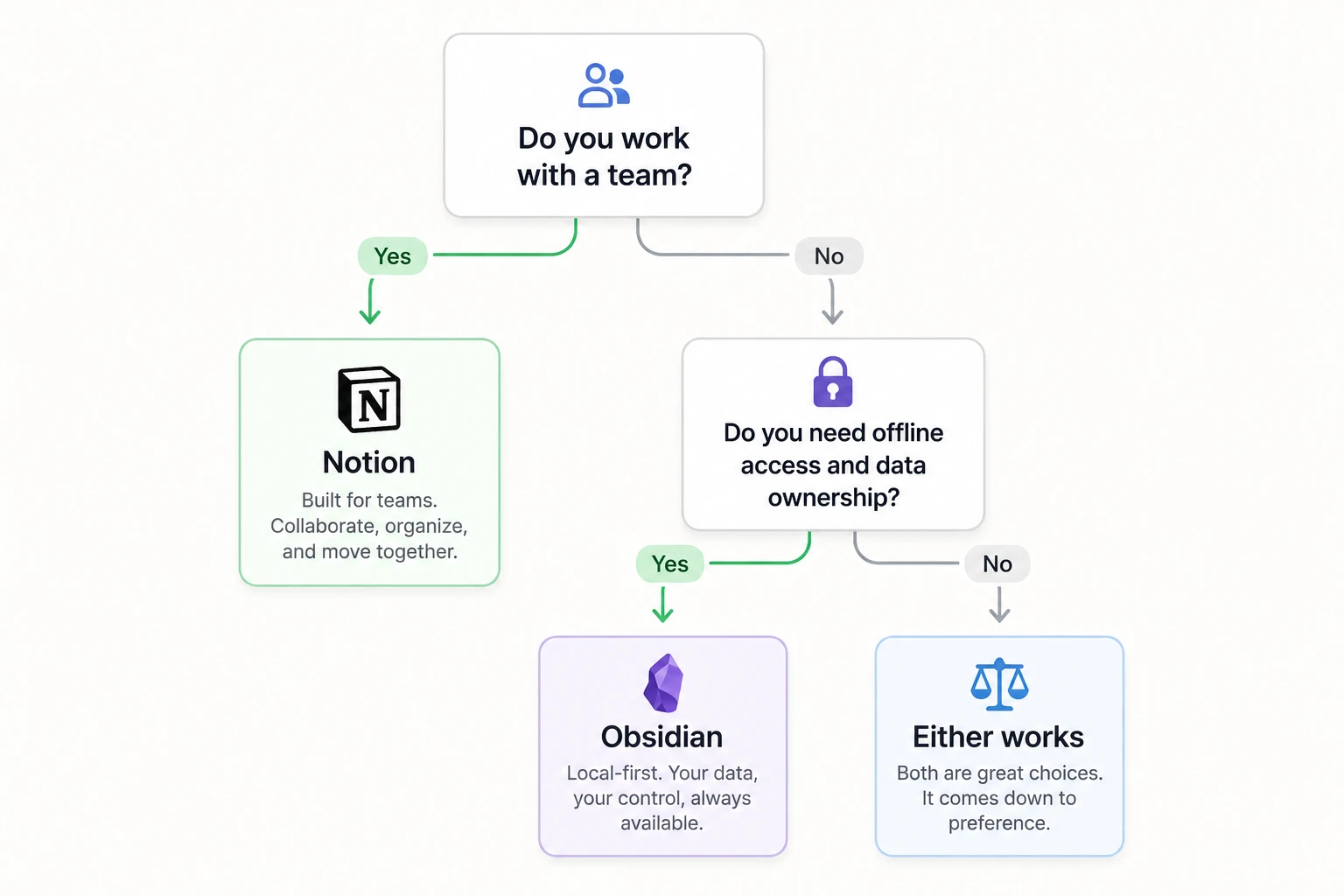
Choose Notion if: You work with a team, manage clients or projects, and need a shared workspace where tasks, docs, and knowledge live together.
Choose Obsidian if: You think in connections, work mostly solo, write long-form or do deep research, and want complete ownership of your files forever.
Use both if: You need team collaboration (Notion) but also do serious individual thinking and research (Obsidian). Plenty of people run both without friction.
What These Tools Actually Are
Before comparing features, it helps to understand that Notion and Obsidian are solving different problems.
Notion is a collaborative workspace. It is built for teams — shared databases, real-time editing, permission controls, project tracking. The 2026 version adds AI that works across your entire workspace, which changes the daily experience significantly. We covered this in depth in our Notion AI review for small teams.
Obsidian is a local-first personal knowledge management tool. Your notes are plain markdown files on your own device. There is no central server, no subscription required for the core product, and no company that can shut down access to your data. The entire philosophy is that your knowledge belongs to you.
These tools have different DNA. Comparing them feature by feature misses the point. The real question is: what kind of thinking and working do you need to support?
90 Days of Real Use: Two Workflows
Workflow 1: Six-Person Content Agency (Notion)
We have been in Notion for eight months now. Client databases, project tracking, content calendars, meeting summaries, onboarding docs — everything lives there. The AI layer added in late 2025 changed how we find information. Ask Notion has become how we retrieve decisions made three months ago without scrolling through old pages.
For a team that produces, reviews, and publishes content daily across multiple clients, Notion works because shared context matters. When a writer updates a brief, the editor sees it immediately. When a client status changes in the CRM, everyone on that account has the updated picture.
What Notion handled well: Team coordination, client management, content workflows, meeting documentation, onboarding new team members.
Where Notion frustrated us: Deep individual thinking. Writing a long research piece inside Notion feels like writing in a spreadsheet. The block-based editor is fine for structured documents but resists the kind of nonlinear exploration that good research requires.
Workflow 2: Solo Research Editor (Obsidian)
Our research editor has 4,200 notes in Obsidian spanning three years. The graph view of his vault looks like a small city. He uses it for research, reading notes, drafting long-form pieces, and maintaining a personal knowledge base that connects ideas across years of reading.
His argument for Obsidian is simple: "Every idea I have ever had is in there and I can find the connections. Notion would have buried all of it in nested pages I would never look at again."
The local-first design matters to him practically. He works frequently without reliable internet. His notes are always available, always fast, and stored as plain text files he could open in any editor if Obsidian disappeared tomorrow.
What Obsidian handled well: Deep research, long-form writing, connecting ideas across time, personal knowledge that compounds over years.
Where Obsidian frustrated him: Anything involving other people. Sharing a note with a client requires exporting it. Collaborating on a document in real time is not what Obsidian is for.
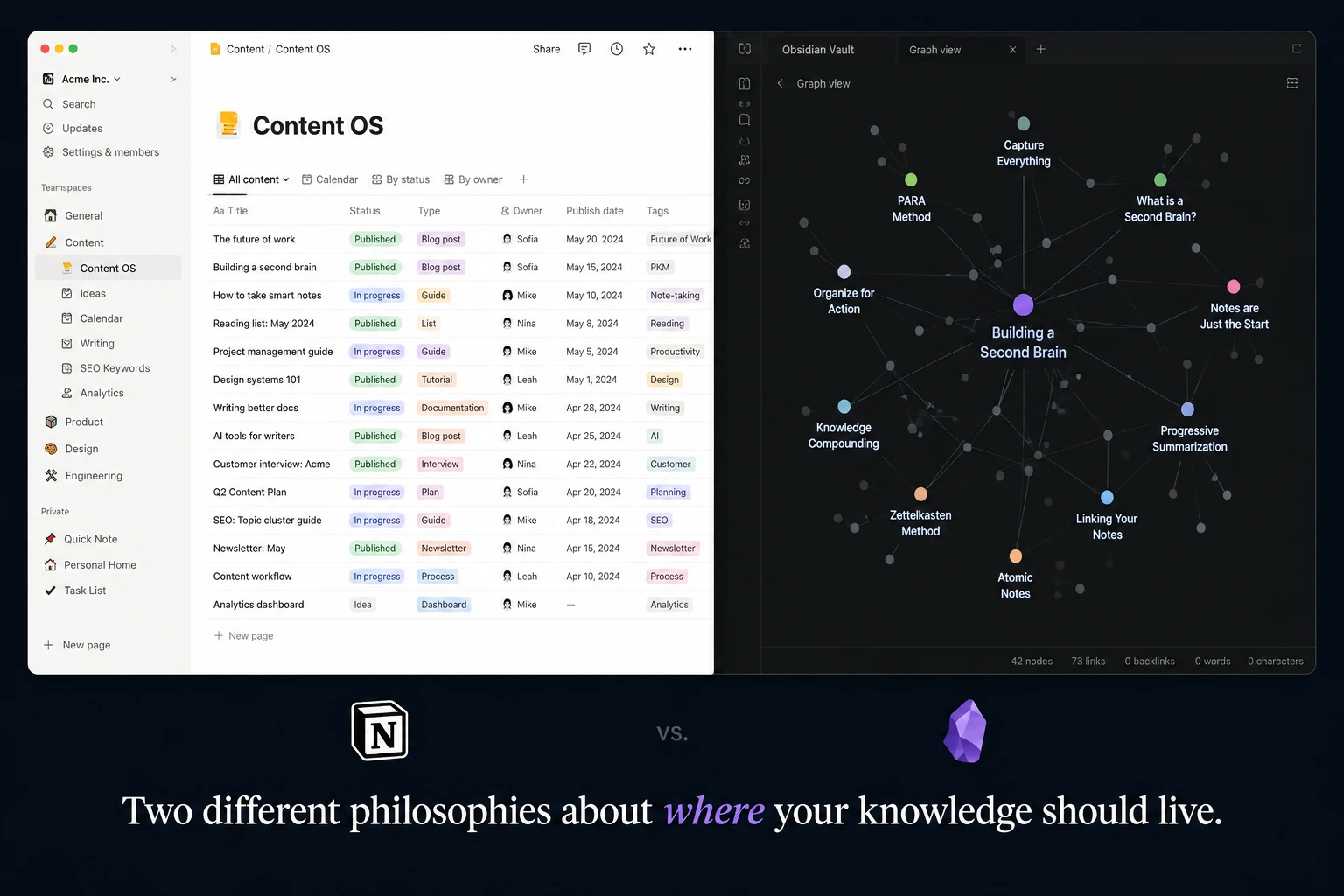
Feature Comparison: Where Each Tool Wins
Collaboration
Notion wins by a significant margin. Real-time editing, granular permissions, team workspaces, guest access — collaboration is core to Notion's design. Obsidian Sync exists and works well for syncing your own vault across devices, but it is not a collaboration tool.
Winner: Notion
Data Ownership and Privacy
Obsidian wins completely. Your notes are markdown files on your device. No subscription required to access them. No company holds your data. Notion stores everything on their servers — if Notion shuts down or you stop paying, access to your workspace requires export.
For anyone with serious concerns about long-term data ownership — journalists, researchers, professionals with sensitive information — this is not a minor consideration.
Winner: Obsidian
AI Features
Notion wins in 2026. The Ask Notion feature, which lets you query your entire workspace in plain language, is genuinely useful for teams with accumulated context. Obsidian has community plugins that add AI features, but the native AI experience in Notion is more polished and better integrated.
Winner: Notion
Mobile Experience
Notion's mobile app is usable but noticeably slower than desktop for complex workspaces. Obsidian mobile works well for reading and capturing quick notes. Neither is exceptional on mobile — both are primarily desktop tools.
Winner: Draw
Linking and Knowledge Graphs
Obsidian wins. Bidirectional linking, graph view, and the ability to see connections between notes across your entire vault is Obsidian's core design principle. Notion has page links but the knowledge graph experience is not comparable.
Winner: Obsidian
Pricing
Obsidian is free for personal use. Sync costs $4/month, Publish costs $8/month. The core product costs nothing.
Notion's free plan is genuinely useful but the AI features that make it competitive in 2026 require Business at $20/user/month. For a five-person team, that is $100/month.
Winner: Obsidian — for solo users especially, the pricing gap is significant.
The Question Nobody Asks
Most Notion vs Obsidian comparisons treat this as a zero-sum choice. It is not.
Many serious knowledge workers use both: Notion for team and project work, Obsidian for personal thinking and research. The workflows do not overlap much in practice. Notion handles shared external work; Obsidian handles private internal thinking.
If you are a solo freelancer or student, Obsidian for free plus occasional Notion free plan for client-facing docs is a legitimate setup that costs nothing.
If you are running a team, Notion is the clear choice for coordination. Whether you also use Obsidian personally is a separate question.
For students specifically, both tools are worth trying. We covered the best free AI tools for academic work in our guide to free AI tools for students in 2026 — both Notion and Obsidian appear there in context.
What Other Tools Do When These Fall Short
Neither tool is perfect. If your team needs serious project management — Gantt charts, sprint tracking, workload views — both Notion and Obsidian will frustrate you. Asana or Linear serve that need better.
If you need a dedicated AI writing tool rather than a workspace with AI features, our Rytr review covers the best budget option for short-form content generation.
For external comparison, the Obsidian team maintains transparent documentation at obsidian.md and Notion's current pricing and features are at notion.so/pricing.
Verdict
Category | Notion | Obsidian |
Team collaboration | Strong | Not designed for it |
Data ownership | Cloud-only | Local files |
AI features | Strong in 2026 | Plugin-dependent |
Knowledge linking | Basic | Core feature |
Pricing (solo) | $10-20/user | Free |
Pricing (team) | $20/user | Not applicable |
Mobile | Usable | Usable |
Offline access | No | Always |
For teams: Notion. Not a close call.
For solo thinkers, researchers, writers: Obsidian. Especially if data ownership and offline access matter to you.
For people who do both: Use both. The tools serve different jobs and do not conflict.
The argument we started 90 days ago did not produce a winner. It produced a clearer understanding of what each tool is actually for. That turned out to be more useful.
No sponsorship or affiliate relationship with Notion or Obsidian influenced this comparison. Both tools were used independently for the workflows described. Last updated: June 2026.
📬 Get the Latest Reviews in Your Inbox
Once a week — AI tools, SaaS & gadget reviews delivered straight to your email.